AI 뉴스레터 구독
귀하의 데이터는 완전히 안전하게 보호됩니다. 어떤 누구와도 공유하지 않습니다.
Translate any file instantly with VideoTranslator. Our top AI translator can translate documents, images, audio, and video - PDF, Word, PNG, MP3 and more.
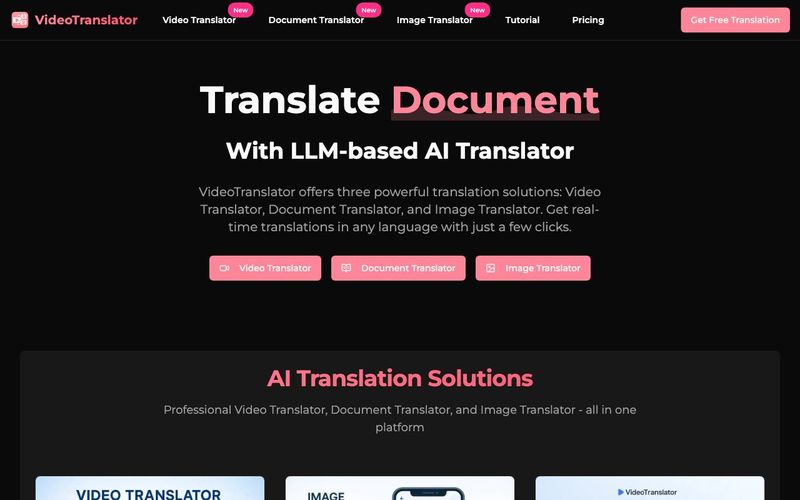
Our Video Translator automatically translates videos with perfect lip-sync and natural-sounding voices in 130+ languages. The Video Translator maintains the original speaker's voice characteristics while ensuring perfect synchronization.
Our Image Translator transforms text in images while preserving original layout and design. The Image Translator uses advanced OCR technology to extract and translate text with over 95% accuracy.
Our Document Translator processes documents while preserving original formatting and layout. The Document Translator supports PDFs, Word, Excel, PowerPoint and more with high accuracy and professional results.
Transform your videos into 130+ languages with our AI-powered Video Translator. Experience perfect lip synchronization, natural-sounding voices, and voice cloning capabilities. Our technology supports multiple speakers, generates customizable subtitles, and enables batch processing. Compatible with all popular video formats, our solution allows direct publishing to platforms like YouTube, TikTok, and Instagram. The result? Professional-quality translations that make your content appear as if it was originally recorded in the target language.
Instantly translate your documents into 100+ languages while preserving the original formatting and layout. Our Document Translator handles PDFs, Word, Excel, PowerPoint and more with unmatched accuracy. Experience seamless translation of complex documents while maintaining tables, images, charts, and all formatting elements intact. Perfect for businesses, academics, and professionals who need precise document translation without compromising on quality or presentation.
Transform text in images to any language with our powerful Image Translator. Using advanced OCR technology, we extract and translate text from photos, screenshots, and documents with over 95% accuracy while preserving the original layout. Perfect for translating menus, signs, business documents, and marketing materials, our solution maintains fonts, design elements, and visual appeal across 130+ languages. Ideal for travelers, businesses, and content creators who need to break language barriers in visual content.
Imagine an education content creator wanting to share their teaching videos worldwide. With our Video Translator, they can automatically translate English educational videos into 100+ languages while maintaining the original video's synchronization and professionalism. This creates localized learning experiences for students of different languages, expanding their audience to reach millions of potential learners globally. Break language barriers and make quality educational resources accessible to learners worldwide with perfect lip-sync and natural voice translations.
VideoTranslator is a comprehensive AI-powered translation platform that offers three main solutions: Video Translator, Image Translator, and Document Translator. Our platform uses advanced AI technology to translate various types of content while maintaining quality, formatting, and authenticity.
VideoTranslator can process videos (MP4, MOV, AVI), images (JPG, PNG, WebP), and documents (PDF, Word, Excel, PowerPoint). Each solution is optimized for its specific content type, ensuring the best possible translation results while preserving original formatting and quality.
Our translation accuracy varies by content type: Video Translator achieves up to 98% accuracy, Image Translator over 95% for clear images, and Document Translator maintains high accuracy while preserving formatting. Our AI models continuously learn and improve to deliver better results.
VideoTranslator supports over 130 languages across all three solutions. This includes major languages like English, Spanish, French, German, Chinese, Japanese, Arabic, and many regional dialects. We regularly add new languages to our platform.
Yes, security is our top priority. We implement bank-grade encryption, comply with GDPR and SOC 2 standards, and offer comprehensive data retention controls. All content is processed securely and deleted after translation unless explicitly saved.
Absolutely! VideoTranslator offers plans for both personal and commercial use. Our enterprise plans include additional features like higher volume limits, team collaboration tools, API access, and rights for commercial distribution.
Yes, VideoTranslator offers free trials for all three solutions. The Video Translator trial includes 3 minutes of video translation, while Image and Document Translators offer limited free usage. This allows you to experience our platform's quality before subscribing.
Getting started is simple. Choose the solution you need (Video, Image, or Document Translator), sign up for a free trial, and start translating your content. Our intuitive interface guides you through the process, and our support team is available to help with any questions.
Yes, you can request deletion at any time by sending us an email at support@videotranslator.io
You can cancel your subscription at any time by emailing us at support@videotranslator.io. After the subscription is canceled, you will not be charged on the next billing cycle. You will continue to have the benefits of your current subscription until it expires.
실용적인 메모를 공유하고 다른 사람들이 이 도구를 평가하는 데 도움을 주세요.
아직 댓글이 없습니다. 대화를 시작하세요.


엄선된 Codex 스킨을 탐색하고, 즐겨찾기에 저장하며, 네이티브 UI를 유지한 채 macOS 또는 Windows에서 Codex Desktop을 커스터마이징하세요.

NanoBananaAI는 Google의 고급 이미지 모델인 Nano Banana Pro로 구동되는 무료 AI 이미지 생성기입니다. 자연어 프롬프트로 놀라운 시각적 콘텐츠를 생성, 편집, 변환하세요. 디자인 기술이 필요 없습니다.

아이디어나 대본에서 페이스리스 릴을 만드세요. 생성 전에 훅, 음성 해설, 시각 자료, 캡션, 장면 계획을 검토하세요.
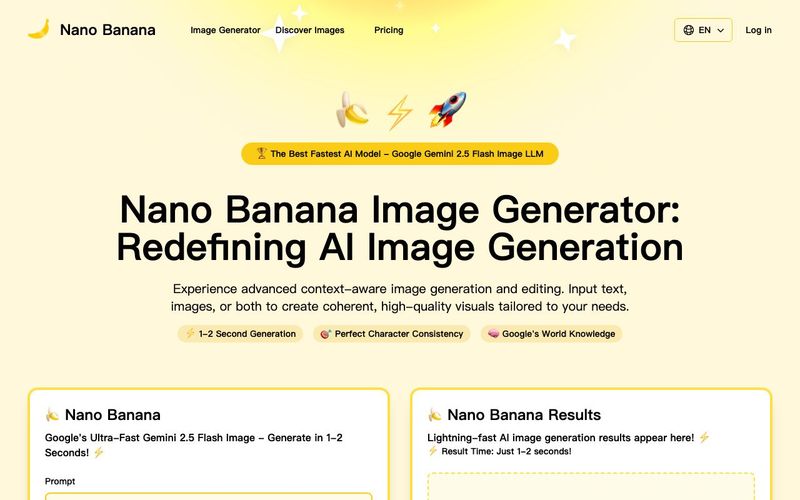
Discover Nano Banana, the next-generation multimodal model for context-aware image generation and editing. Combine text and image prompts to create, edit, and refine visuals with unmatched consistency and style.



This comprehensive guide explores the best AI image generators available in 2026, highlighting their unique features, strengths, and ideal use cases. We'll dive deep into each tool's capabilities to help you identify which AI image generator best suits your creative needs.

Google has just launched a powerful AI IDE code editor — now you can really vibe while coding

The best AI Model And AI Tools in 2026,The Most Popular Free AI Model And AI Tools.