AI 뉴스레터 구독
귀하의 데이터는 완전히 안전하게 보호됩니다. 어떤 누구와도 공유하지 않습니다.
Turn your words into professional concept diagrams instantly. AI-powered generator with publication-ready output, 4K Ultra HD and SVG vector export.
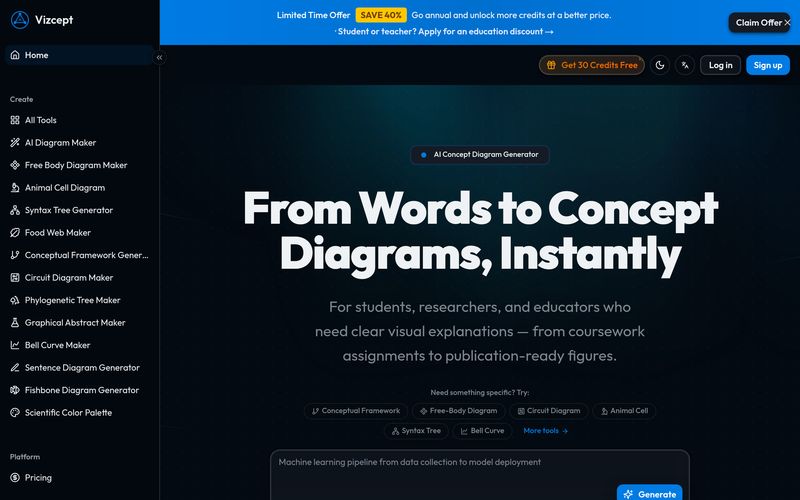
When it comes to turning complex ideas into professional visuals, Vizcept stands out as an innovative AI tool designed specifically for academic and educational workflows. Unlike traditional design software that requires hours of manual editing, Vizcept transforms plain English descriptions into structured, publication-ready concept diagrams in seconds. For students, researchers, and educators, this powerful Image Generation platform simplifies the process of visualizing ideas and relationships.
Vizcept is an advanced AI tool focused on intelligent concept diagram and academic visual creation. Instead of manually arranging boxes, arrows, and labels, users simply describe their topic, variables, and relationships in natural language. The AI then analyzes the context and automatically generates a professionally structured visual representation.
Whether you need a conceptual framework for a thesis, a process flow for coursework, or a scientific diagram for publication, Vizcept provides an efficient and intuitive Image Generation experience tailored to real academic needs.
Unlike general Image Generation platforms that focus on artistic visuals, Vizcept is purpose-built for structured knowledge visualization. The platform understands concepts, causal links, pathways, and frameworks instead of producing generic graphics.
Its smart capabilities include:
For students, Vizcept helps create clearer assignments, lab reports, and thesis presentations. Researchers can generate publication-ready figures without rebuilding diagrams from scratch. Educators benefit from lesson-ready visuals that align with specific teaching objectives rather than relying on generic clip art.
The platform also offers free credits for beginners, making it easy to test the AI tool before upgrading.
If you regularly struggle with building conceptual frameworks, relationship maps, or scientific visualizations, Vizcept is an AI tool worth exploring. By combining intelligent Image Generation with academic structure awareness, Vizcept bridges the gap between abstract thinking and professional visual communication. Instead of spending days adjusting shapes in PowerPoint or diagram software, users can simply explain an idea and let the AI turn it into a polished, presentation-ready diagram in seconds.
Type a plain-English description of your topic, variables, and relationships. Pick your preferred diagram style, aspect ratio, and resolution.
Vizcept analyzes your description, identifies key concepts and relationships, and creates a professionally structured diagram in seconds.
Download as high-res PNG for slides, or export as editable SVG for Figma, Illustrator, and Inkscape. Paste straight into your paper, poster, or presentation.
A concept diagram is a visual representation showing how key ideas, variables, and concepts relate to each other. It organizes your thinking, guides your analysis, and communicates complex relationships clearly to your audience.
Students, researchers, and educators across all disciplines. Whether you're building a thesis framework, preparing a lecture, or visualizing a business model — Vizcept adapts to your needs.
Yes. Sign up to receive free credits and start creating concept diagrams immediately. No credit card required.
None at all. If you can describe your topic in words, Vizcept can turn it into a professional visual. The AI handles all design, layout, and formatting.
Most concept diagrams are ready in 15–30 seconds. Describe your topic, and you'll have a publication-ready diagram almost immediately.
Flowcharts, mind maps, hierarchy diagrams, network diagrams, and more. You can choose a specific style or let the AI recommend the best fit for your topic.
Download as 2K or 4K Ultra HD PNG images. Paid plans include SVG vector export for editing in Figma, Illustrator, and Inkscape. All exports are 300 DPI print-ready.
Absolutely. Vizcept produces clean layouts, precise labels, and clear relationship indicators that meet academic publication standards. Many researchers use them directly in theses, dissertations, and journal papers.
Yes. Adjust your description or try a different diagram style and regenerate. Each generation uses credits, so you can refine until the concept diagram matches your vision.
Unlike PowerPoint or Lucidchart, Vizcept understands your topic context. It doesn't just draw boxes — it identifies concepts, relationships, and structures from your description and creates a professionally structured visual.
Yes. Paid plans include a commercial use license. You can use the generated concept diagrams in textbooks, presentations, training materials, and other commercial applications.
Your prompts and generated concept diagrams are stored in your account history so you can access them later. We do not use your content to train AI models. You can delete your data at any time.
Choose a monthly or yearly subscription plan based on how many concept diagrams you need. Each plan includes a set number of credits per month. You can also purchase additional credit packages anytime. 2K generation uses 1 credit, 4K uses 2 credits.
실용적인 메모를 공유하고 다른 사람들이 이 도구를 평가하는 데 도움을 주세요.
아직 댓글이 없습니다. 대화를 시작하세요.


엄선된 Codex 스킨을 탐색하고, 즐겨찾기에 저장하며, 네이티브 UI를 유지한 채 macOS 또는 Windows에서 Codex Desktop을 커스터마이징하세요.

NanoBananaAI는 Google의 고급 이미지 모델인 Nano Banana Pro로 구동되는 무료 AI 이미지 생성기입니다. 자연어 프롬프트로 놀라운 시각적 콘텐츠를 생성, 편집, 변환하세요. 디자인 기술이 필요 없습니다.

아이디어나 대본에서 페이스리스 릴을 만드세요. 생성 전에 훅, 음성 해설, 시각 자료, 캡션, 장면 계획을 검토하세요.
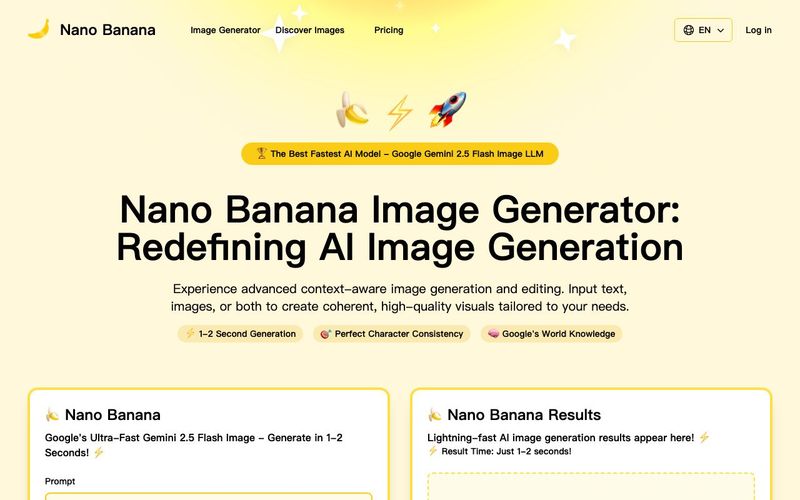
Discover Nano Banana, the next-generation multimodal model for context-aware image generation and editing. Combine text and image prompts to create, edit, and refine visuals with unmatched consistency and style.



This comprehensive guide explores the best AI image generators available in 2026, highlighting their unique features, strengths, and ideal use cases. We'll dive deep into each tool's capabilities to help you identify which AI image generator best suits your creative needs.

Google has just launched a powerful AI IDE code editor — now you can really vibe while coding

The best AI Model And AI Tools in 2026,The Most Popular Free AI Model And AI Tools.