- Home/
- その他のAIツール Tools List/
- AI Feng Shui Bedroom Analyzer/
- AI Feng Shui Bedroom Analyzerの使い方
AI Feng Shui Bedroom Analyzerの使い方

How to Use AI Feng Shui Bedroom Analyzer
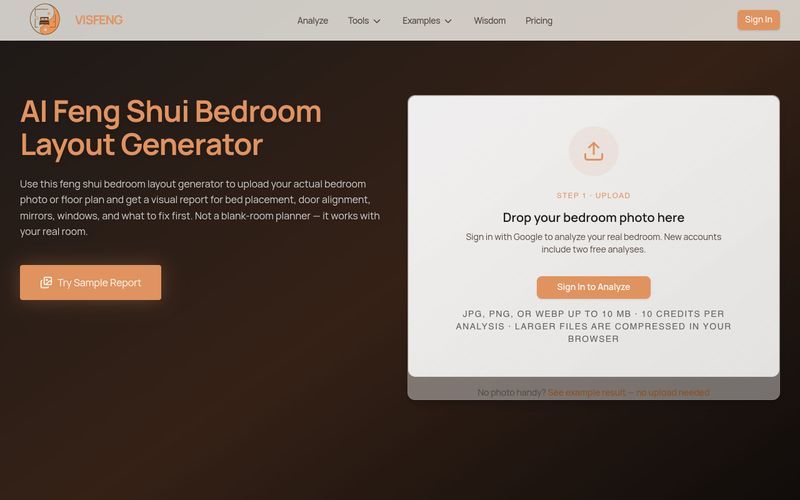
- Upload a bedroom photo: Go to visfeng.com and upload a photo or floor plan in JPG, PNG, or WebP format, up to 10 MB. Larger files are compressed in your browser.
- Get the free preview: The AI analyzes your layout and returns a free preview with your bedroom layout score, top 3 issues, one recommended first fix, and a low-res annotated image. No login or email is required for this preview.
- Unlock the full HD report: Sign in and spend 10 credits to access the complete report — HD annotated image with issue markers, the full issue list with priority ranking, before/after visual suggestions, and renter-friendly alternatives.
- Apply the fixes in order: Follow the priority ranking, starting with the highest-impact action, such as relocating the bed to a solid wall or addressing a mirror that faces the sleeping position.
For the best analysis, take your photo from the doorway or a corner so the bed, window, and door all appear in one view. A floor plan also works.
Summary and Review:
Upload a bedroom photo or floor plan, review your free preview report with score and top 3 issues, then unlock the full HD report with credits and follow the prioritized fixes.
AIニュース
すべてのニュースを見る →

The Best AI Image Generator in 2026: A Complete Guide
This comprehensive guide explores the best AI image generators available in 2026, highlighting their unique features, strengths, and ideal use cases. We'll dive deep into each tool's capabilities to help you identify which AI image generator best suits your creative needs.

Firebase Studio,Google has just launched a powerful AI IDE code editor,Vibe Coding
Google has just launched a powerful AI IDE code editor — now you can really vibe while coding

The Best AI Model And AI Tools in 2026
The best AI Model And AI Tools in 2026,The Most Popular Free AI Model And AI Tools.