AIニュースレターを購読
あなたのデータは私たちと完全に安全です。誰とも共有しません。
All-in-one AI design platform for architects and homeowners. Generate professional interior, exterior, and landscape renders from photos or sketches in seconds.
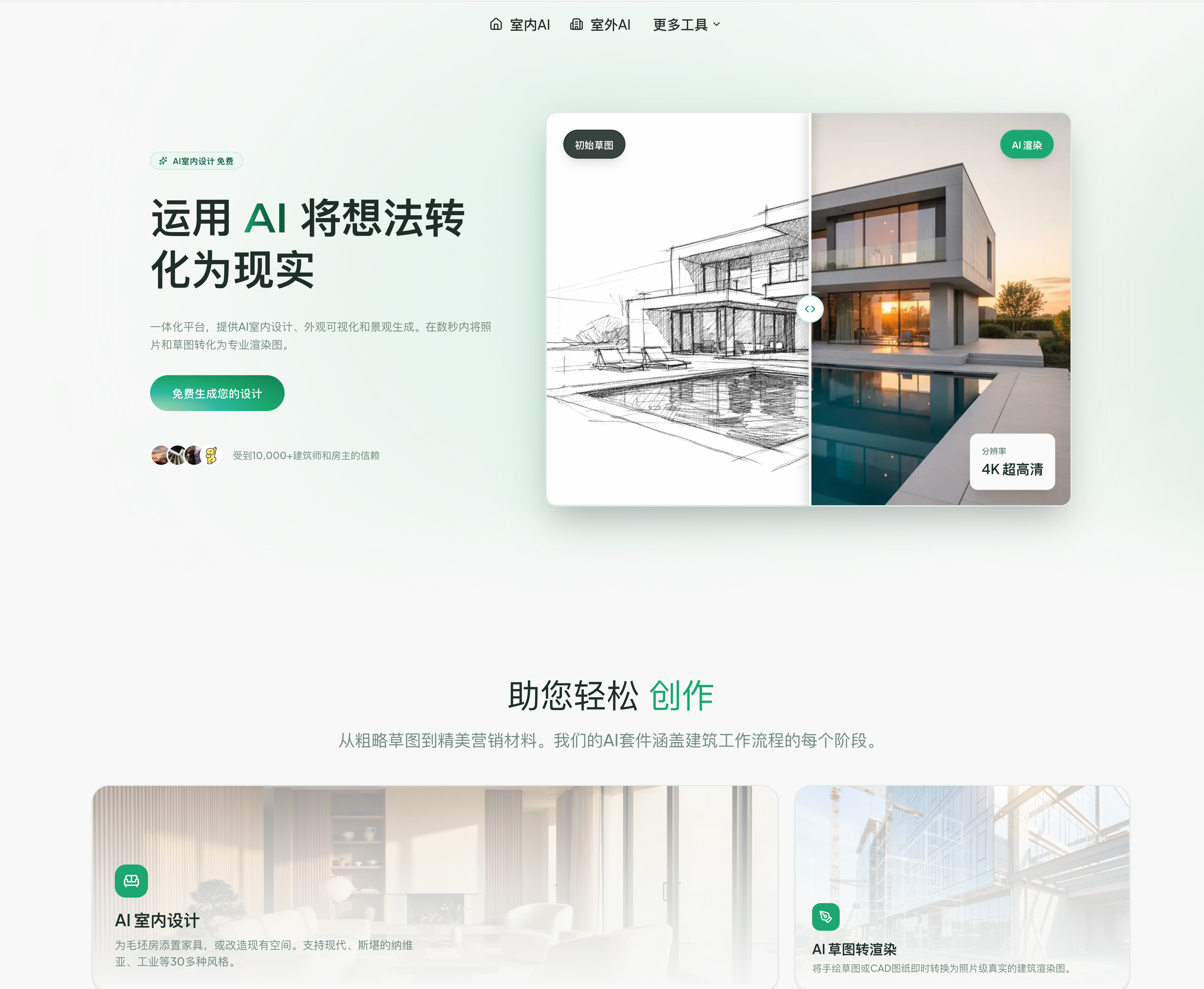
ArchyBase is an advanced AI tool built to transform how professionals and beginners approach architectural visualization and creative workflows. Focused on Design Assistance, ArchyBase offers an all-in-one platform that seamlessly converts ideas—whether photos, sketches, or concepts—into high-quality, photorealistic renders within seconds. From interior styling to exterior redesign and landscape planning, this AI tool covers the entire design pipeline, making it a highly efficient solution for architects, designers, real estate professionals, and homeowners alike.
One of the standout strengths of ArchyBase is its comprehensive design ecosystem. The platform integrates multiple capabilities, including AI interior design, sketch-to-render conversion, landscape generation, and exterior home redesign. Users can upload a simple photo or even a rough hand-drawn sketch, and the AI intelligently interprets spatial structure, materials, and lighting to generate professional-grade visuals. This level of automation significantly reduces the time and cost associated with traditional 3D modeling and rendering workflows.
In terms of performance, ArchyBase excels with its instant visualization engine, delivering results in as little as 4–10 seconds. Despite this speed, the output quality remains exceptional, with support for photorealistic 4K renders that accurately simulate lighting, textures, and depth. Unlike many generic tools, this AI tool is specifically optimized for architectural accuracy, ensuring that generated designs are not only visually appealing but also structurally believable.
Another key advantage of ArchyBase as a Design Assistance AI tool is its flexibility and creative range. With support for over 30+ design styles—including Modern, Scandinavian, and Industrial—users can quickly explore multiple variations of a space without manual redesign. Whether it’s virtual staging for real estate, testing facade materials for renovations, or visualizing outdoor landscapes like gardens and patios, ArchyBase enables rapid experimentation and iteration.
The platform is also highly accessible. It offers a free trial with no credit card required, supports common image formats like JPG, PNG, and WEBP, and allows commercial usage for paid outputs. This makes it suitable for both personal projects and professional applications. Additionally, upcoming features such as floor plan generation and 3D conversion indicate that ArchyBase is continuously evolving to meet broader design needs.
Overall, ArchyBase stands out as a next-generation AI tool for Design Assistance. By combining speed, accuracy, and versatility, it empowers users to turn creative ideas into tangible visual results faster than ever before, redefining efficiency in architectural and design workflows.
Yes, ArchyBase allows you to try our AI interior design features for free. You can upload photos and generate styles instantly.
Simply upload a hand-drawn sketch or a SketchUp/Revit line drawing. Our AI interprets the lines and converts them into a photorealistic image.
Absolutely. Our AI landscape generator is perfect for visualizing gardens, backyards, and exterior environments from a simple photo.
Yes, our AI exterior design tool helps homeowners and architects visualize facade renovations, roof changes, and material updates.
We are currently developing advanced AI tools for floor plan generation and 3D conversion, which will be available soon.
We support common image formats including JPG, PNG, and WEBP. For best results, we recommend uploading high-resolution images.
Most designs are generated in 4-10 seconds, depending on the complexity and resolution. Our AI works incredibly fast to deliver professional results.
Yes! All images generated with a paid subscription can be used for commercial purposes. Free tier images are for personal use only.
We focus on architectural accuracy and photorealistic quality. Our AI understands lighting, materials, and spatial relationships better than generic tools.
実用的なメモを共有し、他の人がこのツールを評価するのを助けましょう。
まだコメントはありません。会話を始めましょう。

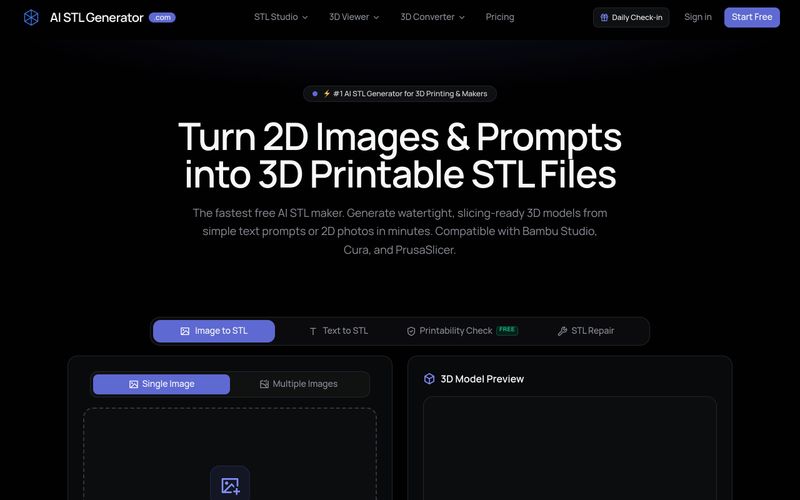
AI STL Generatorは、テキストプロンプトや2D画像をウォータータイトで3Dプリント可能なSTLファイルに変換する無料のAI搭載ツールです。印刷可能性チェック、STL修復、Bambu Studio、Cura、PrusaSlicerなどの一般的なスライサーとの互換性を提供します。
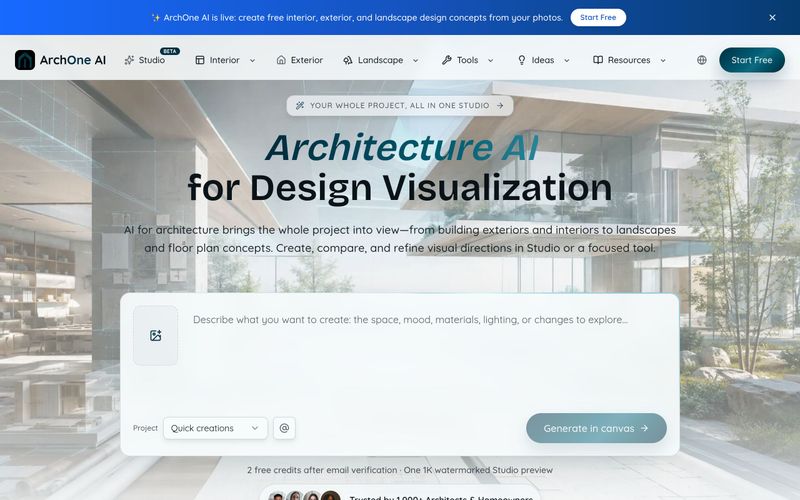
ArchOne AIは、エクステリア、インテリア、ランドスケープ、間取り図を含むプロジェクト全体を可視化するためのオールインワン建築AIプラットフォームです。
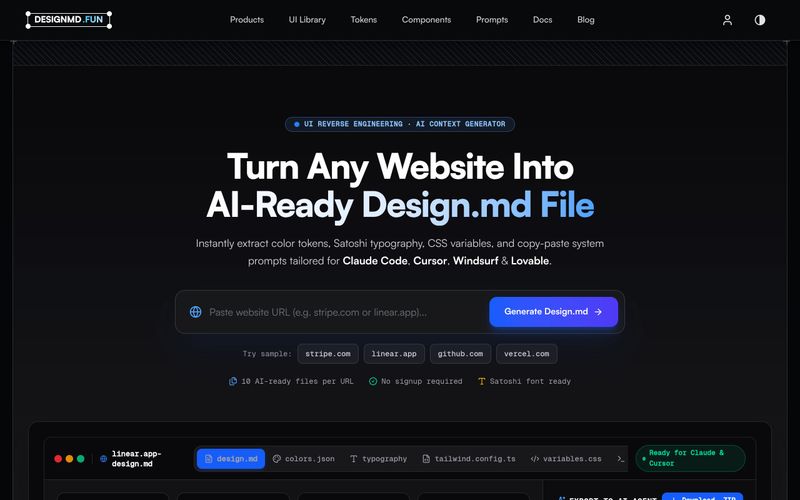
Designmd.funは、公開中のウェブサイトのデザインシステムを抽出し、design.md、tokens.json、tailwind.config.tsなど10種類の機械可読ファイルに変換します。Claude Code、Cursor、Windsurf、Lovableですぐに利用できます。
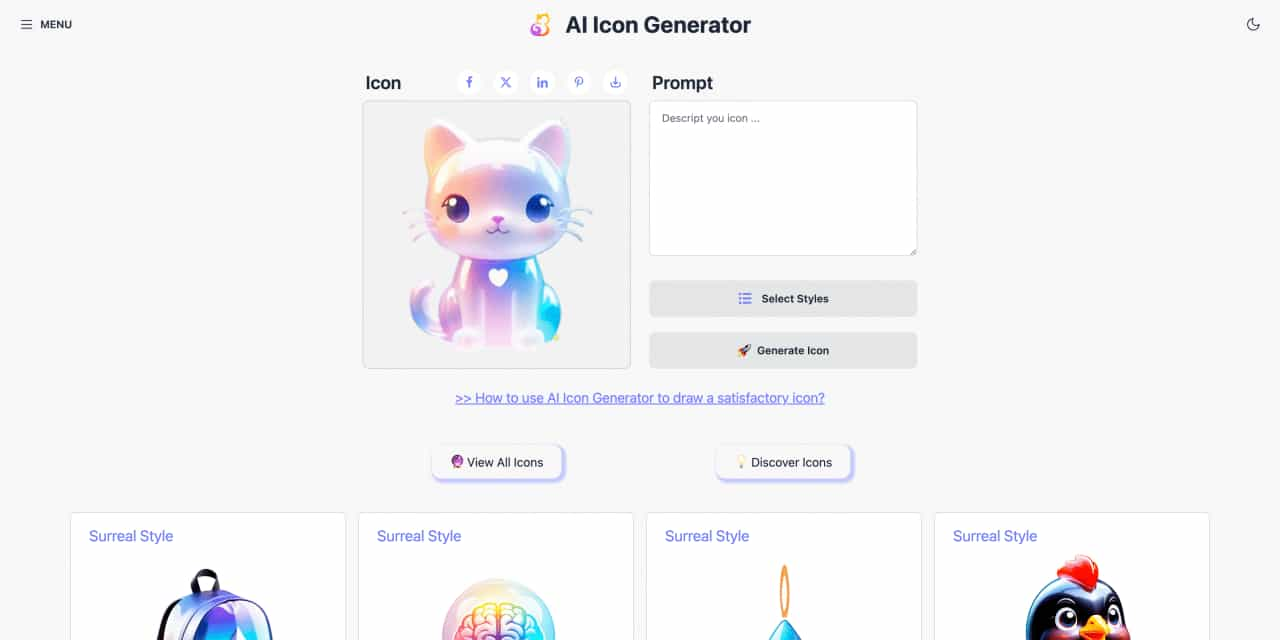
Easy to use AI icon generator. Free and effortlessly generate icon from text.



This comprehensive guide explores the best AI image generators available in 2026, highlighting their unique features, strengths, and ideal use cases. We'll dive deep into each tool's capabilities to help you identify which AI image generator best suits your creative needs.

Google has just launched a powerful AI IDE code editor — now you can really vibe while coding

The best AI Model And AI Tools in 2026,The Most Popular Free AI Model And AI Tools.