AIニュースレターを購読
あなたのデータは私たちと完全に安全です。誰とも共有しません。
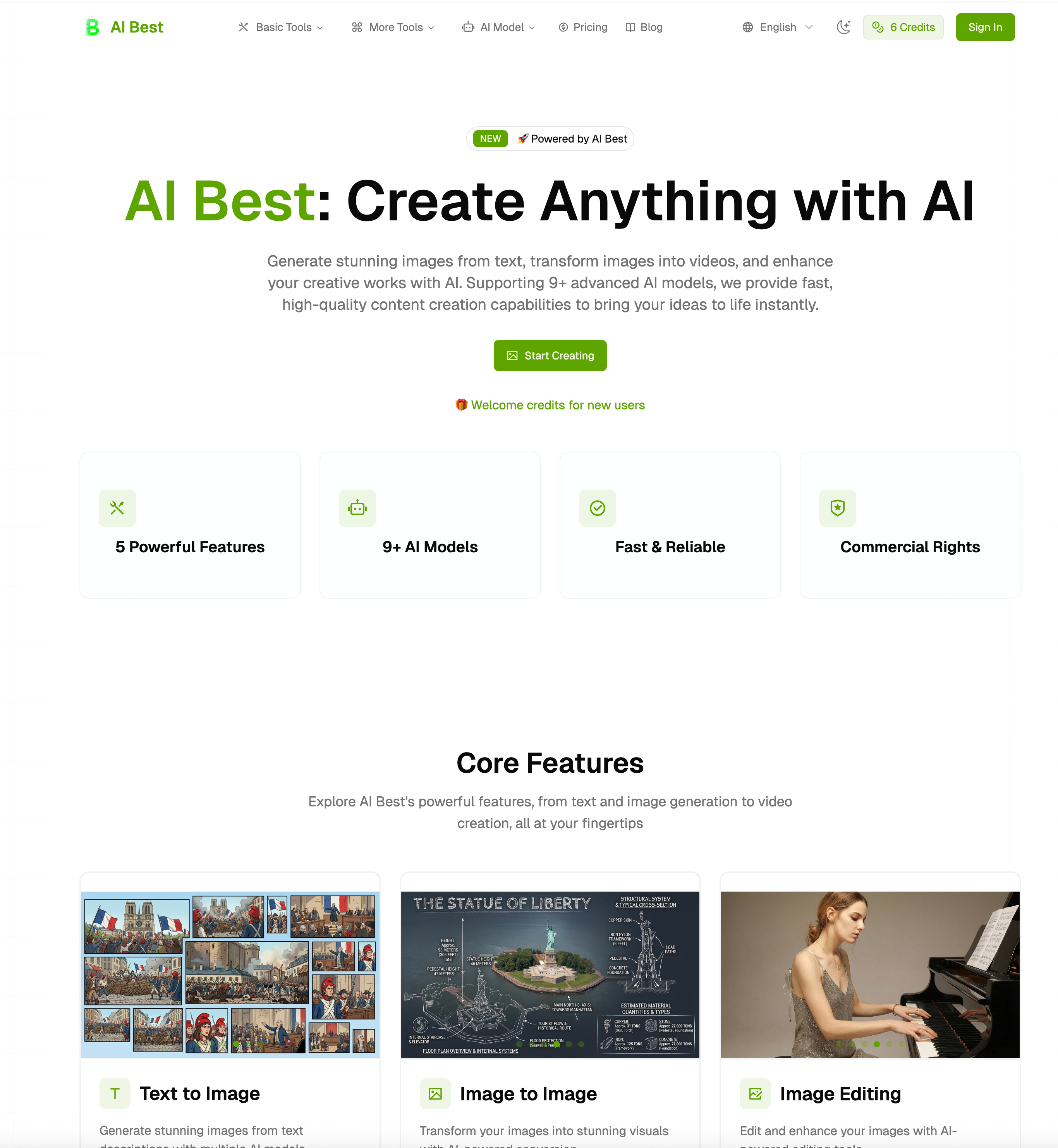
Select from Text to Image, Image to Image, Image Editing, Text to Video, or Image to Video
Choose the AI model that best fits your needs, balancing speed, quality, and cost
Enter your prompt, adjust parameters, and generate. Download your creation in seconds
AI Best is a modern and highly efficient AI tool designed to simplify creative workflows, especially in the field of Video Generation and visual content creation. Its “How to use” process is intentionally streamlined into three clear steps—Choose Feature, Select Model, and Generate & Download—making it accessible for beginners while still powerful enough for professional creators. This simplicity is one of the key reasons why AI Best stands out in a crowded market of generative platforms.
The first step, “Choose Feature,” allows users to select from a wide range of creative modes such as Text to Image, Image to Image, Image Editing, Text to Video, and Image to Video. This flexibility turns AI Best into a multi-functional AI tool rather than a single-purpose generator. In particular, the Text to Video and Image to Video options highlight its strength in Video Generation, enabling users to transform simple ideas or static visuals into dynamic, engaging video content. This feature is especially valuable for marketers, designers, and content creators who need fast and visually appealing outputs.
The second step, “Select Model,” adds a layer of intelligent customization. Users can choose from different AI models based on their specific priorities—whether they need faster processing, higher visual fidelity, or more cost-efficient generation. This model selection system gives AI Best a professional edge, as it allows users to tailor the performance of the platform according to project demands. It also ensures that the AI tool remains scalable for both casual users and advanced production workflows.
The final step, “Generate & Download,” completes the experience with remarkable efficiency. Users simply input a prompt, fine-tune parameters such as style, aspect ratio, or resolution, and generate their content within seconds. The ability to instantly download results makes AI Best particularly effective for rapid content production cycles, especially in fast-paced industries like social media marketing and digital advertising. In the context of Video Generation, this speed and simplicity significantly reduce production time while maintaining high output quality.
Overall, AI Best delivers a well-optimized and intuitive workflow that successfully combines ease of use with powerful generative capabilities. As an AI tool focused on both image creation and Video Generation, it provides a complete end-to-end solution that transforms ideas into professional-grade visual content in just a few steps.



This comprehensive guide explores the best AI image generators available in 2026, highlighting their unique features, strengths, and ideal use cases. We'll dive deep into each tool's capabilities to help you identify which AI image generator best suits your creative needs.

Google has just launched a powerful AI IDE code editor — now you can really vibe while coding

The best AI Model And AI Tools in 2026,The Most Popular Free AI Model And AI Tools.