Suscríbete al boletín de IA
Tus datos están completamente seguros con nosotros. No los compartimos con nadie.
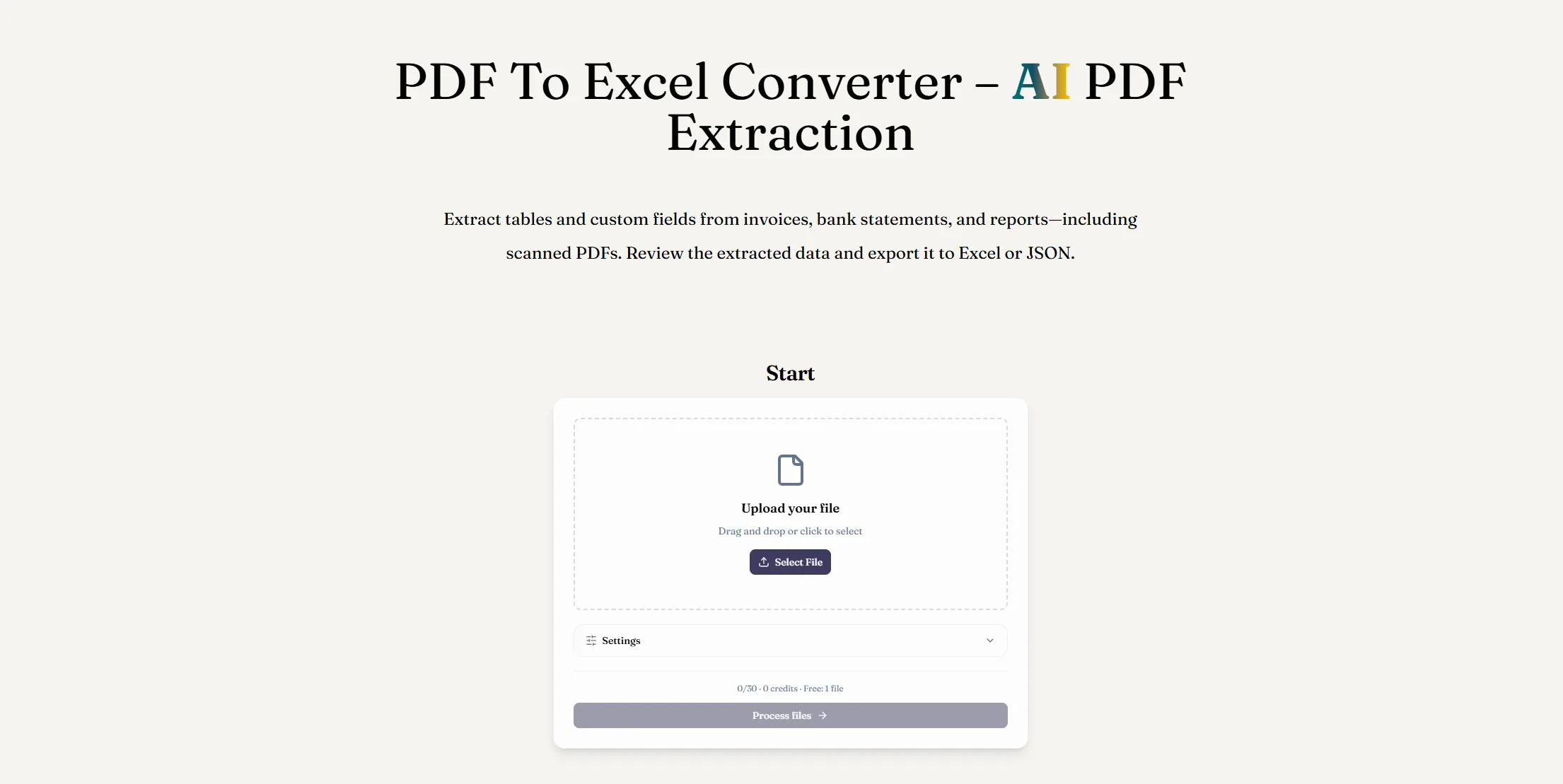
ReadyData is a powerful AI tool designed to simplify document processing by converting PDF files into structured, editable spreadsheets. As one of the practical AI Office Tools for everyday productivity, its AI-powered PDF extraction helps users extract tables, invoice details, bank transactions, and custom fields from digital and scanned PDFs without tedious manual data entry.
1. AI-Powered PDF Data Extraction
ReadyData identifies table structures, column headers, rows, and line items, transforming unstructured PDF content into organized spreadsheet-ready data. It supports invoices, receipts, bank statements, financial documents, and operational reports, including scanned and image-based PDFs.
2. Custom Field Selection and Reusable Templates
Choose the exact information you need, such as invoice numbers, dates, transaction amounts, or totals. You can also save extraction preferences as reusable templates, making recurring document processing faster and more consistent.
3. Editable Excel and JSON Exports
With the PDF to Excel converter, extracted data can be downloaded as an XLSX workbook for further editing, calculations, and analysis. Alternatively, export structured results as JSON for databases, APIs, automated workflows, and custom applications.
4. Review and Batch Processing
Before exporting, compare extracted tables with the original PDF to check values, headers, and row alignment. ReadyData also supports processing multiple PDFs and downloading completed results together, helping streamline repetitive administrative tasks.
5. Browser-Based Convenience
This AI Office Tool works directly in your browser on Windows, macOS, and mobile devices, with no desktop software installation required.
Manually copying PDF data into Excel can be time-consuming and error-prone, especially when dealing with scanned documents or complex tables. ReadyData helps reduce repetitive work by turning document information into structured, reusable data. Its AI extraction capabilities make it useful for finance teams, business owners, accountants, and professionals who regularly handle large volumes of documents.
If you're looking for an efficient AI tool for PDF to Excel conversion, ReadyData offers a convenient way to extract, review, and export valuable information while spending less time on data entry and spreadsheet cleanup.
If you frequently work with invoices, bank statements, receipts, or business reports, manually transferring data from PDFs into spreadsheets can quickly become a frustrating task. ReadyData offers a practical solution with its AI-powered PDF to Excel converter, making it a useful AI tool for anyone looking to improve productivity and simplify document processing. As part of the growing category of AI Office Tools, ReadyData focuses on turning static documents into structured, editable data that can be used for analysis, reporting, and automation.
One of the most impressive features of ReadyData is its ability to extract tables and custom fields from both digital and scanned PDFs. Traditional copy-and-paste methods often struggle with image-based documents, broken columns, and incorrectly aligned rows. ReadyData uses AI PDF extraction to identify table structures, headers, line items, and important values, helping users transform document content into organized spreadsheet records without having to retype everything manually.
Another highlight is its flexible field extraction feature. Instead of extracting data without direction, use an specify the information they need, such as invoice numbers, transaction dates, payment amounts, or totals. Even better, extraction preferences can be saved as reusable templates for similar documents. This makes ReadyData particularly helpful for businesses that regularly process recurring invoices, financial statements, receipts, and operational reports.
The PDF to Excel workflow is straightforward: upload a PDF, choose the tables or fields to extract, review the results, and export the data as an editable XLSX workbook. Users can compare extracted tables with the original document before downloading, which helps identify potential errors and maintain data quality. For developers and teams working with automated systems, JSON export provides another useful option for integrating extracted information into databases, APIs, and custom workflows.
ReadyData also supports batch processing, allowing users to process multiple PDFs and download completed results together. Since the tool runs directly in a browser, it can be accessed on Windows, macOS, and mobile devices without installing additional desktop software.
Overall, ReadyData is a promising AI tool for PDF to Excel conversion, especially for professionals who want to reduce repetitive data entry and make document information easier to use. While complex tables and low-quality scans may still require manual verification, its combination of AI extraction, customizable fields, reusable templates, and flexible export options makes it a valuable addition to the modern collection of AI Office Tools. If you regularly move information from PDFs into spreadsheets, ReadyData is worth considering as a way to streamline your workflow, save time, and focus more on meaningful analysis rather than manual formatting.



This comprehensive guide explores the best AI image generators available in 2026, highlighting their unique features, strengths, and ideal use cases. We'll dive deep into each tool's capabilities to help you identify which AI image generator best suits your creative needs.

Google has just launched a powerful AI IDE code editor — now you can really vibe while coding

The best AI Model And AI Tools in 2026,The Most Popular Free AI Model And AI Tools.